





AI can make the first version look very fast.
I have seen that happen multiple times. But, I want to share two cases. In both cases, I was happy at the beginning. Then I noticed I was spending more time fixing things than actually building them.
That was the point where I stopped judging AI by how quickly it gave me an output.
I started judging it by how much work was left after the output arrived.
Case one: the PowerPoint slide that took longer with AI
I had an image with icons in it. I wanted to recreate those icons and the same workflow on a PowerPoint slide.
If I had built it manually, I felt it would have taken around half an hour. It was a clear visual task. I could see the image, place the icons, and adjust them as I went.
With AI, I gave commands and waited for versions. That saved effort in one sense. I did not have to create every element from zero.
But it did not save time.
I had to keep checking whether it used the right icons, followed the right structure, picked the right diagram, and showed the workflow correctly. Each update led to another thing to check. What began as a simple duplication task took around one to one-and-a-half hours.
AI helped create attempts quickly. I still had to decide whether each attempt was actually close enough to the request.
Case two: the first app that became a fixing loop
The same thing happened when I started building my first application with AI.
The first version came very quickly. I was excited because I could finally see the app instead of only thinking about it.
Then the real work started.
I would try to fix the layout, and another UI issue would appear. Then I would adjust the colours, then check how the app was meant to work, then go back to the UI again. The more I tried to correct one thing, the more follow-up work appeared.
The first version was fast. Making it useful for a longer time was much harder.
At one point, it felt like I was not building the app anymore. I was managing prompts, checking changes, trying other tools, and fixing output that had created more output to fix.
That is the part people can miss when they say AI is fast.
The useful question is not “Did AI make this quickly?”
For me, the better question became:
Did AI reduce the total work needed to get to a result I can actually use?
There is a difference between a fast output and a finished task.
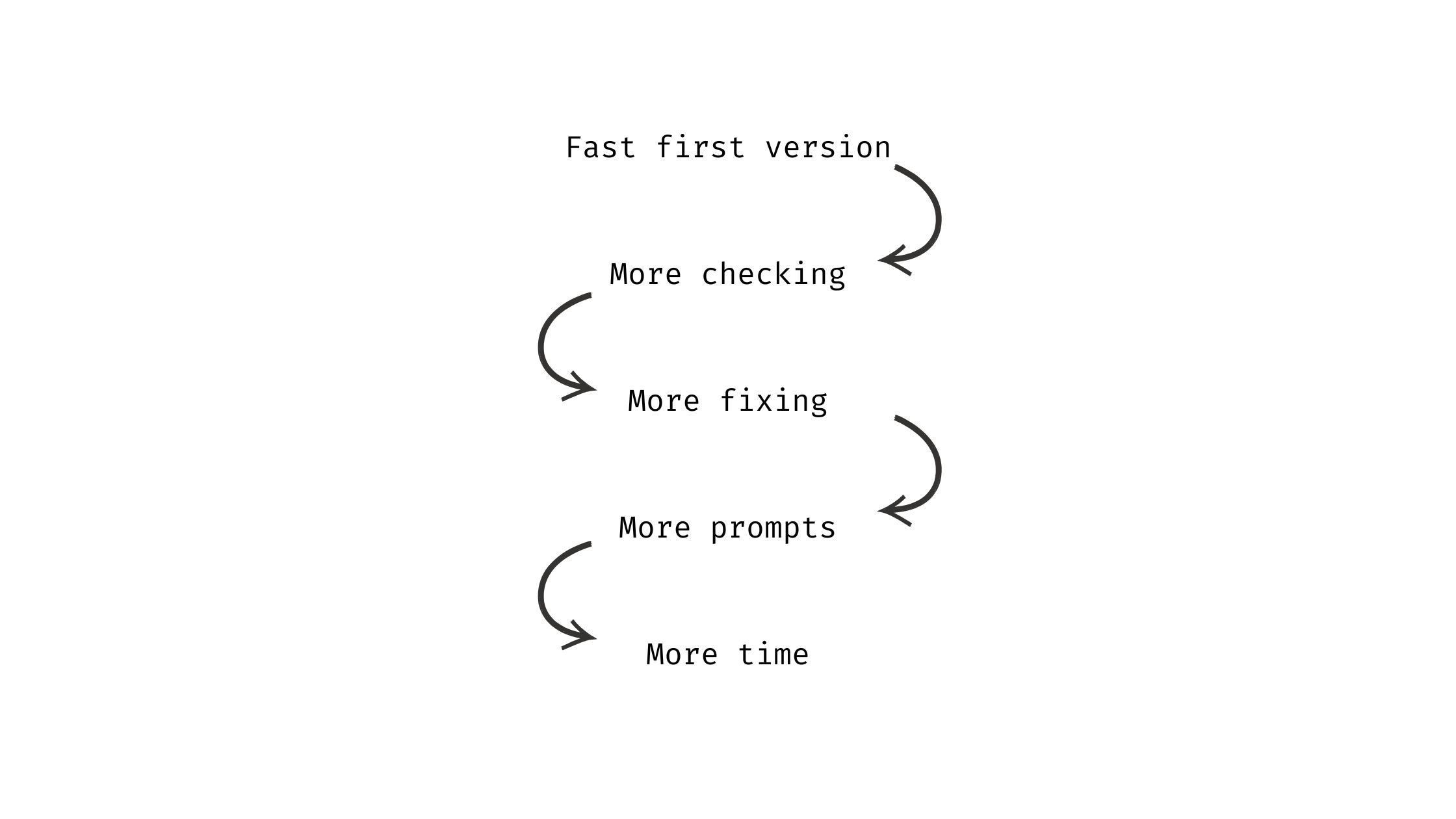
That does not mean AI failed. It means I gave it a task that was too broad to control properly.
The simple version is this: know what you want AI to do, check whether it did it, then move to the next step
The rule I use now: build in stages
Now, if I am building something with AI, I do not ask it to make everything at once.
First, I break the work into stages from A to Z. I decide what each stage needs to produce, what I need to check, and what has to be complete before we move on.
I call this a stage contract.
For example, instead of asking AI to build an entire app, I can work through the app one stage at a time:
- Confirm the problem and the user flow.
- Build one small feature.
- Check that feature against what was agreed.
- Record what changed and what is still pending.
- Move to the next stage only after the current one is complete.
The same idea can work for a presentation. First decide the exact slide structure. Then recreate one visual section. Then compare it with the source image. Then move on.
This may look slower at the beginning. For me, it is faster than discovering the real requirements only after AI has already created a large amount of work.
What I check before I ask AI to build
Before I start, I now write down three things:
- This stage: What is the one thing I want completed now?
- The check: How will I know it is correct?
- The boundary: What should not change in this stage?
That last point matters. If I am fixing a layout, I do not want the workflow, colors, or other features to change without me noticing. A clear boundary stops a small update from becoming another long loop.
I still use AI to speed up work. I just do not want it to create work that is not useful for the outcome.
I have written more about choosing the right level of review for different AI tasks in I Do Not Review Every AI Task the Same Way.
A fast start is not the same as a faster finish
Some tasks still need only a quick prompt. A first email draft, a short summary, or an early list of ideas does not always need a large process.
But when the work has to be exact, durable, or shared with other people, the first output is only the start. The review and fixing time count too.
If AI is making you feel busier, do not immediately look for another tool or a better prompt.
First, make the next piece of work smaller. Define what needs to be done in that stage, check it, and then move forward.
That is how I stopped using AI to add more work and started using it to create work that is useful.
