



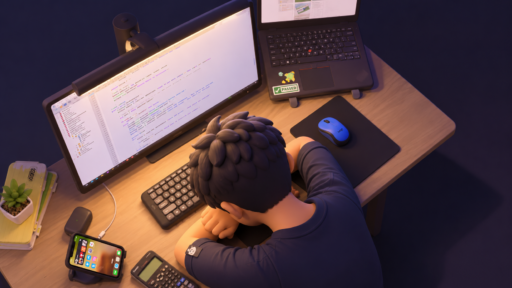
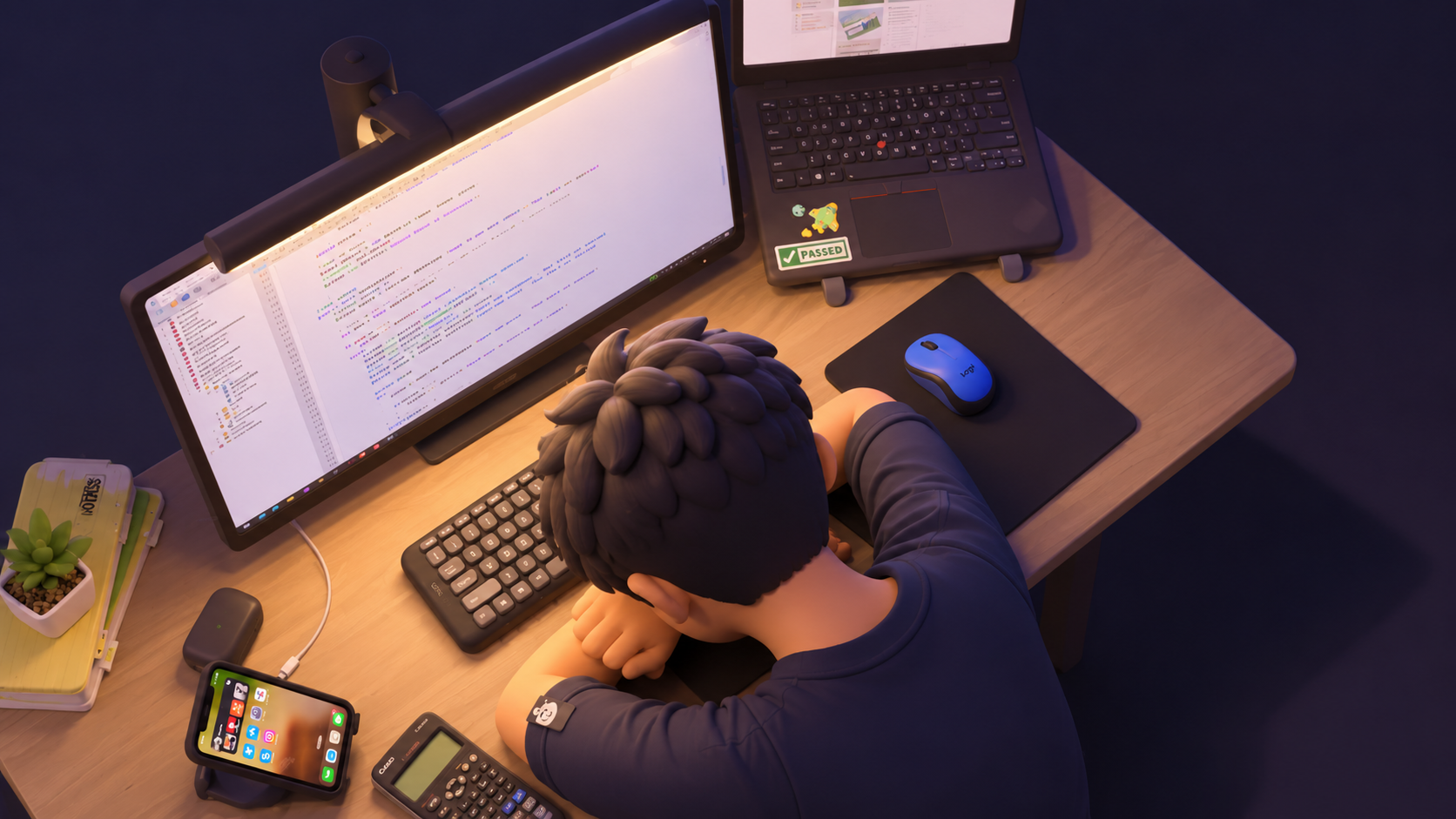
Writing blogs is something I want to be consistent with. And, I need to write everyday to complete the tasks, to reach my goal. Even though I have a system to write articles, it is not easy every day. There are days when I clearly know what to do, but I don’t have the mental energy to begin.
To be honest, this blog is the best example of that.
I am writing this after being completely drained from work. I feel lazy, I feel tired, and I am just wondering how long I can direct my fingers to keep typing. My thoughts are scattered, and even a small task feels bigger than it actually is.
But I needed a kick-start to keep the ball rolling.
That is where AI comes into place. Not to do everything for me, but to help me think clearly.
Why Tired Thinking Makes Simple Tasks Feel Hard
There could be a lot of reasons for this feeling. Lack of sleep, stress, anxiety, overwhelmed, perfectionism, or just regular mental exhaustion. Anything can act as a trigger and make us feel stuck, unable to take even a single step.
The simplest task starts to feel challenging.
Some days, writing an email feels harder than it should. Choosing the next task feels confusing. Even picking a blog idea feels messy. And we keep delaying things because everything feels unclear.
On tired days, more information usually makes me slower. What helps me more is seeing the next small action clearly.
What we need is clarity.
I Ask For One Small Next Action
The advice is common, but the problem I face is more specific, after work, I do not always have enough energy to decide what “small” should be.
But no one talks enough about what happens before we start something. Sometimes, finding what to start with is the biggest challenge in itself.
When we are tired, even creating a plan feels like another burden. So instead of asking for a full strategy, I only focus on what I can do in the next 10 minutes.
Using AI To Think
AI should be used to enable us, and this is one place where it really helps.
Whenever I feel stuck or too tired to move ahead, I give myself one small rule: just work for a minute. That small trick helps my brain get into action.
So when I feel stuck, I give AI a short brief about the task and ask it to break it into smaller steps.
I believe this is one of the most basic ways people use AI. But when you use this method matters.
When you are tired, a task breaker can make a big difference. It gives you a small way to proceed instead of sitting there confused.
For example, I was feeling too lazy to type. So I asked AI to break my task into something I could complete in the next 10 minutes, and it gave me suggestions like:
- Write only the intro
- Clean up only the outline
- Summarize one article for reference
I just choose one task and start working on it.
What Worked
To be very blunt, I didn’t have to think too much about what to work on at that moment.
Instead of deciding between too many tasks, AI helped me pick one. I have said this in multiple blogs: AI helps you start from scratch. You do not have to begin from a blank page.
When we are tired, we need something small to move ahead and the AI tool helped me create that small momentum.
Rather than being stuck without writing for two days, I can at least write 100–200 words a day. AI helps me decide where to start, which directly reduces the pressure.
I don’t feel we have to be perfect with everything . We just need something to start that we can fix later.
So yes, AI helped me move. Even if it was a small step, it was still a step.
What Didn’t Work
AI is not perfect. It can give responses that do not match your real situation.
I have had moments where it over-planned and gave me a long, unrealistic schedule. Instead of helping me start, it made the task feel heavier.
Here are a few things that didn’t work for me:
- It created unrealistic schedules
- It gave too many options
- If I kept asking, it gave more ideas and created more confusion
- It did not understand my energy level, so sometimes it suggested tasks that needed more focus than I had
- Talking to AI too much started to feel productive, even when I was not actually doing the task
My Rule: When Stuck Use AI to Reduce Friction, Not Add More Thinking
The first thing I learned when I feel stuck is to take a small step.
Yes, I know I am repeating this a lot. But deciding what step to take is the real challenge. That itself can drain our brain.
So when I am tired, I only use AI if it makes the next step smaller.
Use AI when it helps you:
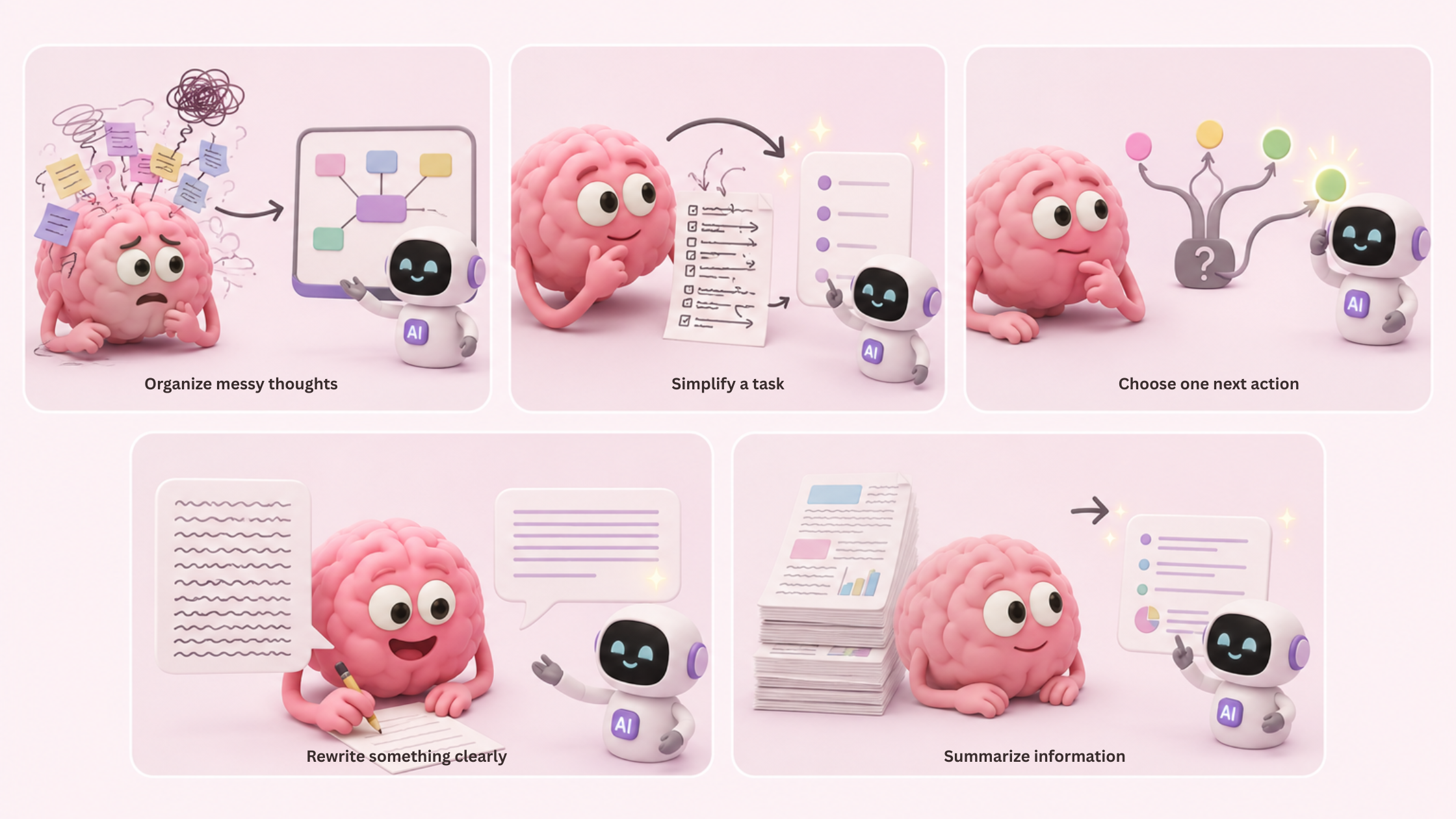
- Organize messy thoughts
- Simplify a task
- Choose one next action
- Rewrite something clearly
- Summarize information
Be careful when it:
- Gives too many options
- Makes you compare endlessly
- Turns one task into ten tasks
- Keeps you refining instead of doing
Practical Prompts You Can Use
These are some simple prompts I use when I don’t want AI to overcomplicate things, but just help me move forward.
Prompt 1: Messy Thoughts
I am mentally tired and my thoughts feel messy. I do not need a complicated answer. I need help organizing what I am thinking in a clear and simple way. Here are my thoughts: [PASTE YOUR THOUGHTS HERE]. Please read everything carefully, then organize it into three clear points: what matters most, what can wait, and what I should do next. Keep your response calm, direct, and easy to follow. At the end, give me one small next step I can take today that does not require too much energy.
Prompt 2: Choosing What To Do
I am low on energy and I have several things I could do, but I do not want to overthink the decision. Here are my tasks: [LIST YOUR TASKS HERE]. Please choose the one task that will give me the most progress with the least mental effort. Do not give me too many options. Pick one, explain briefly why it is the best choice, and then give me the simplest first step to start it.
Prompt 3: Writing When Tired
I want to write about [WRITE YOUR TOPIC HERE], but I am tired and I do not want to make it harder than it needs to be. Please help me create a simple outline that I can realistically write in about 30 minutes. The purpose of this writing is [WRITE PURPOSE HERE: example, blog post, caption, email, journal entry, article, school work]. The tone should be [WRITE TONE HERE: example, casual, thoughtful, professional, honest, simple]. Keep the outline clear, practical, and easy to follow, with only the main points I need.
Prompt 4: Clear Email Rewrite
I want to send a message, but I need it to sound clearer and more natural. Here is the message: [PASTE MESSAGE HERE]. Please rewrite it so it is short, polite, and easy to understand. Keep the meaning the same, but make the wording smoother. Do not make it sound too formal or robotic. The person I am sending it to is [WRITE WHO THEY ARE HERE], and the tone should be [WRITE TONE HERE: friendly, professional, respectful, casual].
Prompt 5: Stop Overthinking
I am overthinking this situation: [DESCRIBE THE SITUATION HERE]. I need help making it simple. Please tell me the simplest useful version I can complete today. Remove anything unnecessary, help me focus only on what actually matters, and give me one clear action I can take now. Do not over-explain. Be direct, practical, and realistic.
We hear a lot about using AI to become highly productive. But sometimes, it is most useful when we are tired, scattered, and unsure where to begin.
But choosing it wisely is the key.
If AI gives me more options, more tweaks, or more confusion, I stop.
For me, the best use of AI is simple: it should make my work feel lighter and help me move forward.
Related read: If this article helped you see how AI can support you when your mind feels tired, I also wrote about how I decide whether to use AI in the first place.
In “The 3-Question Rule I Use Before Opening Any AI Tool” I share the simple filter I now use to avoid opening AI out of habit, overthinking with prompts, or creating more work for myself.
It connects closely with this idea: AI is useful only when it makes the next step clearer, smaller, or easier.
