



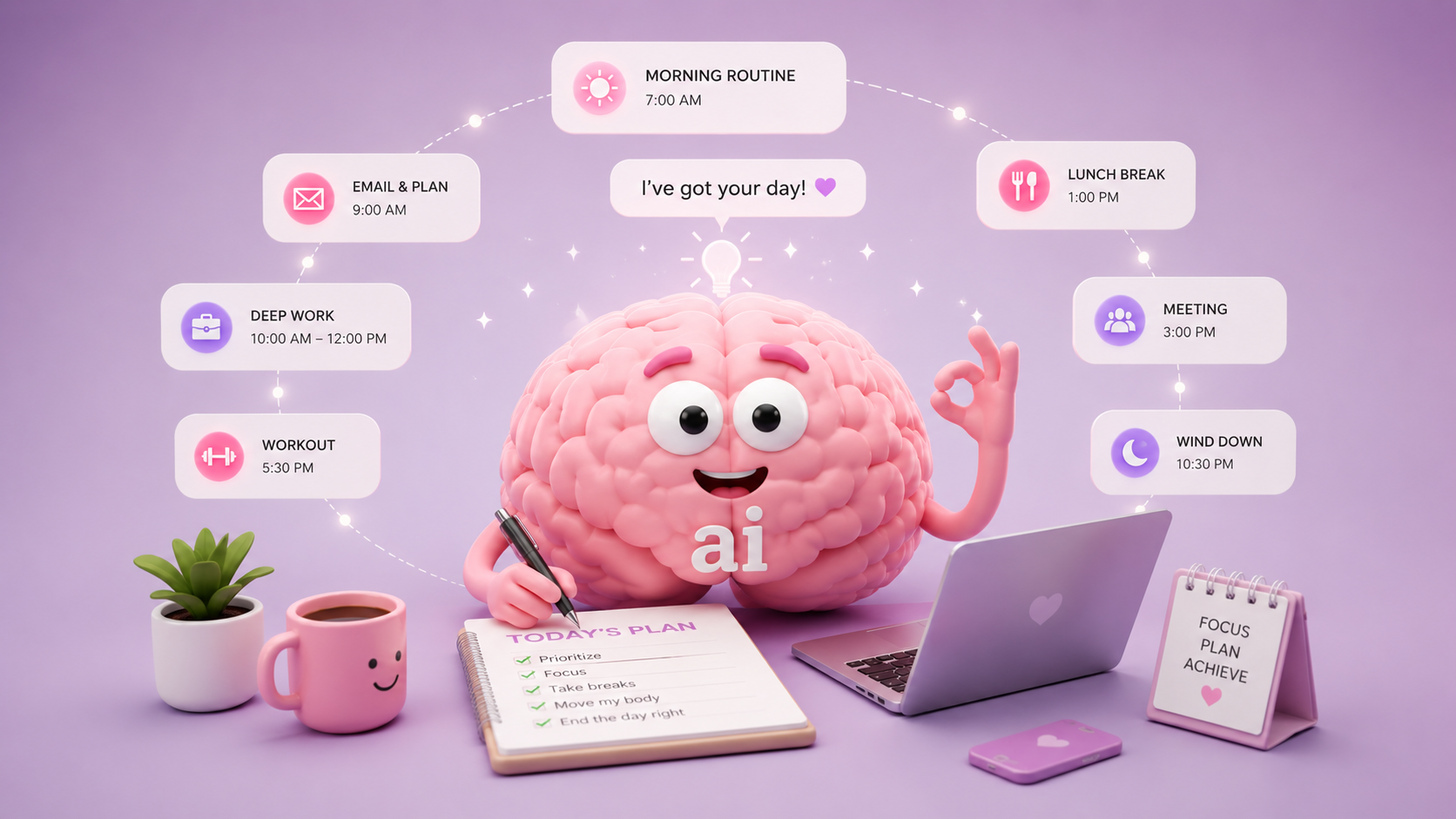
I always feel stuck whenever I decide to start planning.
At one point, I even asked myself, “Is it just me, or do other people also face this planning fog?”
Why do I feel stuck before I start
Every time I pick up my laptop to create a plan, I feel this strange resistance. I know I need to plan, but starting itself feels difficult.
I kept wondering is this laziness, fear, or something else? I wanted to understand what was actually stopping me.
So I started digging deeper. And the more I read, the more I realized that it was not just laziness.
Planning forces us to face a few uncomfortable things limited time, too many choices, and the possibility that we may not finish what we planned.
We are not really against goals. We set goals all the time. But what we resist is the pressure that comes with them the pressure to do it perfectly, make the right decision, and not disappoint ourselves.
- Task Aversion
- Perfectionism
- Fear of decision making
- Negativity bias
- Emotion regulation avoidance
Another mistake I made often was over-scheduling. I tried to fit too many tasks around my 9-to-5 job.
The result was obvious burnout.
Instead of feeling productive, I would completely shut down.
Why I tried letting AI plan my day
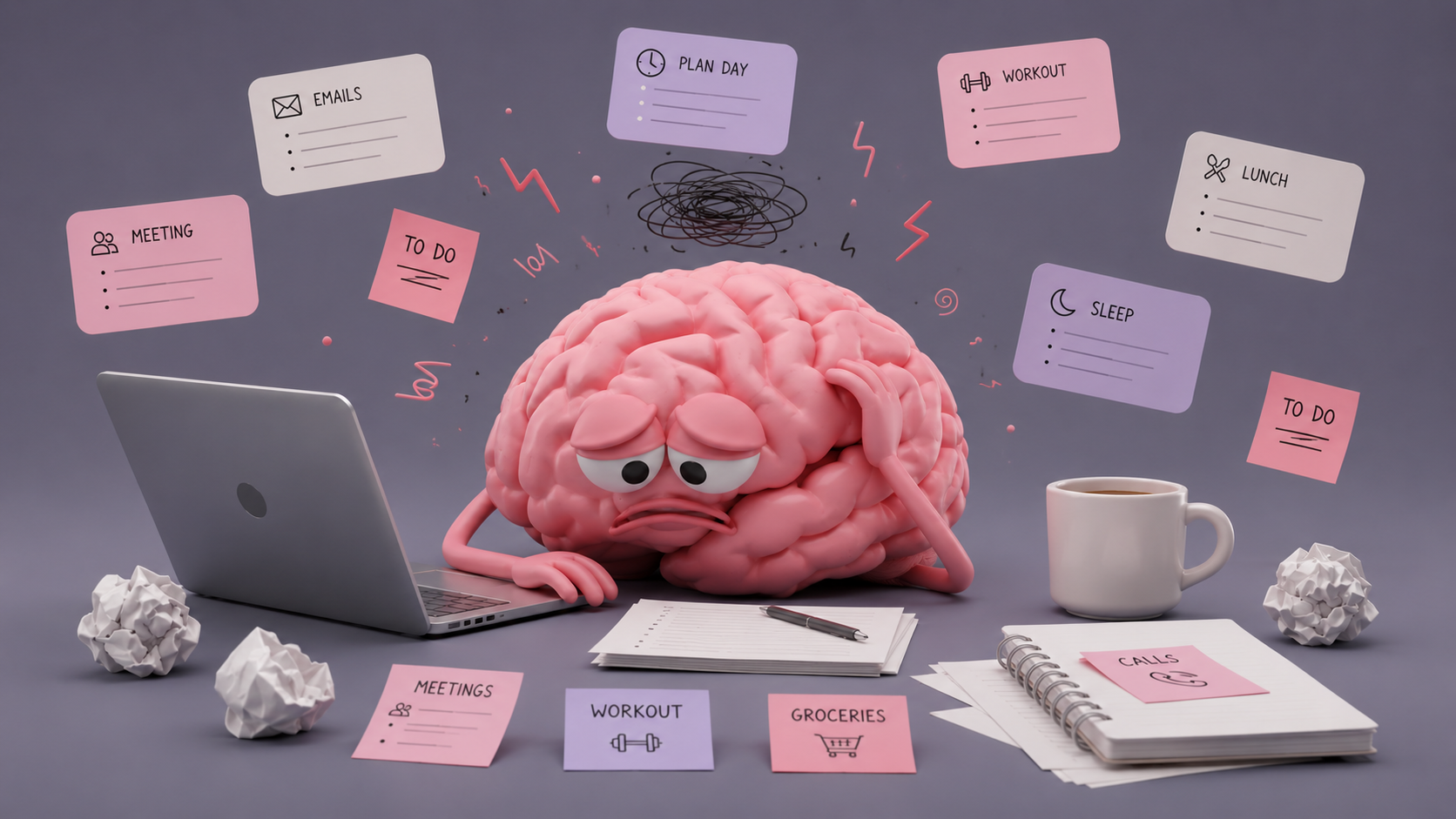
First thing that I wanted to overcome was, the fear of planning. Working a full time job, really gets you busy. We are already scheduling tasks, getting things sorted, meetings, work alignment. So, much work already takes up big chunk of my day.
And when done, with work, even to make an effort to set some time away for planning, I got mental burnout quickly. Scheduling what to do next, takes a lot of load and created mental fatigue.
So to reduce this stress and do less thinking from my side, I used AI to plan my days.
How I Asked AI to Plan My Day
Thanks to AI, I can communicate naturally about what I want it to do. But being discreet on what output you require, would help to get better results easily.
Below is the prompt I used, for my goals.
I want you to act as my daily planner.

Here is my situation:

- I work a 9–5 job
- I have limited energy after work
- I can only spend 1–2 hours on my side project (writing a tech/AI blog)

Here are my tasks for today:

- [Work 9-5 + Gym + Family Time + Blog]

Create a realistic daily plan for me that includes:

- Time blocks for each task
- Short breaks
- A focused 1-hour block for my blog writing

Important:

- Keep it practical, not idealistic
- Assume I may feel tired after work
- Do not overload the schedule
- Prioritize the most important tasks

Output:

- A clear timeline (hour by hour)
- Simple and easy to follow
The Plan AI Gave Me
The plan AI gave me was pretty straightforward. It broke my day into hourly blocks and told me what I needed to do at each time.
At first, it felt helpful because I finally had something in front of me. I was not starting from a blank page anymore.
But the plan was also very tight. It looked good when I read it, but I knew it would be difficult to follow exactly in real life.
Still, it gave me something to start with. And honestly, that itself helped.
| Time | Plan |
|---|---|
| 7:00–8:00 | Wake up, breakfast, get ready. Keep it calm. |
| 8:00–9:00 | Commute / settle into work mode. |
| 9:00–12:00 | Work: focus on your most important tasks first. |
| 12:00–1:00 | Lunch + short walk or quiet break. Avoid errands if possible. |
| 1:00–5:00 | Work: meetings, admin, lighter tasks toward the end. |
| 5:00–5:30 | Decompress after work. No pressure. Snack, sit down, reset. |
| 5:30–6:30 | Gym. Keep it simple: 45–60 minutes, not an intense “perfect” session. |
| 6:30–7:15 | Shower, dinner, transition home. |
| 7:15–8:15 | Family time. Be present and do not multitask. |
| 8:15–8:30 | Short break. Tea, walk, or quiet reset. |
| 8:30–9:30 | Blog writing focus block. One clear goal only: draft, outline, or edit one section. |
| 9:30–10:00 | Wind down. Save your blog progress, set tomorrow’s next step. |
| 10:00–10:30 | Relax, no heavy tasks. |
| 10:30 | Sleep / bedtime routine. |
What Actually Worked
Even though AI gave me a clear structure, I still had to prompt it a little more to get what I wanted. But I did not have to put in too much effort, because I could simply explain what I needed and shape the plan from there.
The main decision I had to make was adjusting the time. That reduced the mental fatigue of making multiple small decisions, looking at the clock, and figuring out what should go where.
Even though the output was not perfect, it gave me something to start with instead of writing the whole plan from scratch.
What Didn’t Work
- Unrealistic Timing: AI cannot fully understand your day unless you give clear instructions. I felt this when I first started planning with it. Even after giving proper inputs, there were moments where it gave unrealistic timings. So we need to be aware of its limits and review the plan before following it.
- Too Rigid: We all have interruptions during the day, and that is something AI does not always handle well. Even when I mentioned that I needed 15-minute breaks, the plan sometimes still felt too packed. But to be fair, this also happens because we try to squeeze too much work into limited time.
- Real-Life Constraints: AI cannot fully understand the energy level we may have in a day. After work, I may be tired and need a more flexible plan. So I had to clearly mention that the planning should be lighter after work. Even then, I still had to adjust it manually to make it realistic.
What I Changed
AI needs our input to get better. The more details we provide, the better the response becomes.
As I mentioned earlier, AI does not know our energy level or the interruptions in our daily schedule. So I had to refine the plan with more details.
I used a few methods to get better outputs:
- Shorten Tasks for the Day: I asked AI to reduce the number of tasks and add breaks in between. You can push yourself for two days straight, but by the third day, you might burn out. So I made sure the plan helped me move slowly instead of not moving at all.
- Break down tasks: Once I decided what to focus on, I asked AI to break the task into smaller parts. For example, if I wanted to write a blog for one hour, I asked it to split that time into research, writing, and editing. This helped me work on micro-tasks instead of treating everything as one big task.
- Use it for direction: Some days, even the AI plan feels overwhelming. On those days, I don’t follow it exactly. I just use it as a direction to start. At least I don’t have to begin from scratch.
Below is the response I received after making the tweaks:
Here’s a full-day plan that includes **work, travel, gym, family time, breaks, and a focused blog block** without making the day feel over packed.

## Full Day Plan

| Time | Plan |
| --- | --- |
| **7:00–8:00** | Wake up, breakfast, get ready. Keep this calm and simple. |
| **8:00–9:00** | Travel to work. Use this as transition time, not extra work time. |
| **9:00–12:00** | Work. Focus on the most important tasks first. |
| **12:00–12:45** | Lunch break. Step away from your desk if possible. |
| **12:45–3:00** | Work. Meetings, admin, follow-ups, normal tasks. |
| **3:00–3:15** | Short break. Walk, water, stretch. |
| **3:15–5:00** | Final work block. Wrap up, reply to messages, plan tomorrow lightly. |
| **5:00–5:45** | Travel home / decompress. Do not jump straight into gym or blogging. |
| **5:45–6:30** | **Gym.** Keep it realistic: 30–45 minutes, moderate effort. |
| **6:30–7:15** | Travel back / shower / change. No rushing. |
| **7:15–8:00** | Dinner and family time. Be present and recover from the day. |
| **8:00–8:20** | Break. Sit down, tea, short walk, no pressure. |
| **8:20–9:20** | **Focused blog writing block.** One hour only. |
| **9:20–9:30** | Save work, write tomorrow’s next step, close laptop. |
| **9:30 onward** | Family time, light rest, wind down. No more demanding tasks. |

## Blog Block Plan

| Time | Focus |
| --- | --- |
| **8:20–8:30** | Pick one small target: outline, intro, one section, or edit. |
| **8:30–9:10** | Write without overthinking. Messy draft is fine. |
| **9:10–9:20** | Clean up one part and leave a note for tomorrow. |

## Gym Plan

Keep it easy enough that you will actually do it.

| Part | Time |
| --- | --- |
| Warm-up | 5 minutes |
| Main workout | 25–30 minutes |
| Cool down | 5 minutes |

Good target: **show up, move, leave feeling better — not exhausted.**

## Priority for Today

1. **Work**
2. **Gym**
3. **Family time**
4. **1 focused hour of blogging**
5. **Rest**

This plan gives you structure, but it is not too rigid. If you feel very tired, shorten the gym and keep the blog block to one simple task: **outline the post or write the intro only.**
Should You Let AI Plan Your Day?
Honestly, yes, you should.
AI helps you start from somewhere. And once you have a starting point, planning and building over it becomes much easier. It also helps reduce decision fatigue, which is really important.
Instead of sitting there and wondering, “What should I do next?”, you already have a simple plan in front of you.
Yes, it can become unrealistic if you let it over-plan. That is why you need to prompt it properly. Include breaks, travel time, tiredness, and fewer priorities.
The best use of AI is collaboration. Let AI suggest its ideas, then re-plan it based on your real life. Because at the end of the day, we are the ones who have to live that plan.
AI is continuously changing how we work and manage our daily tasks. So it is important to stay in control of how we use it.
And if you are someone who keeps refining instead of finishing, I’ve also written about that here: The Hidden Problem With AI: You Keep Refining Instead of Finishing
